
For agencies, designers, consultants and other businesses that start with a brief
New client? Send one link. Get the brief, the budget and the files back.
Clients answer on their phone, no account needed. Everything lands in your inbox as one conversation, ready to quote.
They send this
Hi! We need a new website. Can you help?
Sure — what should it do?
Sell our courses, mainly
Do you have a budget and a launch date?
Roughly… let me ask my partner
…4 emails later, still no brief
You send back this
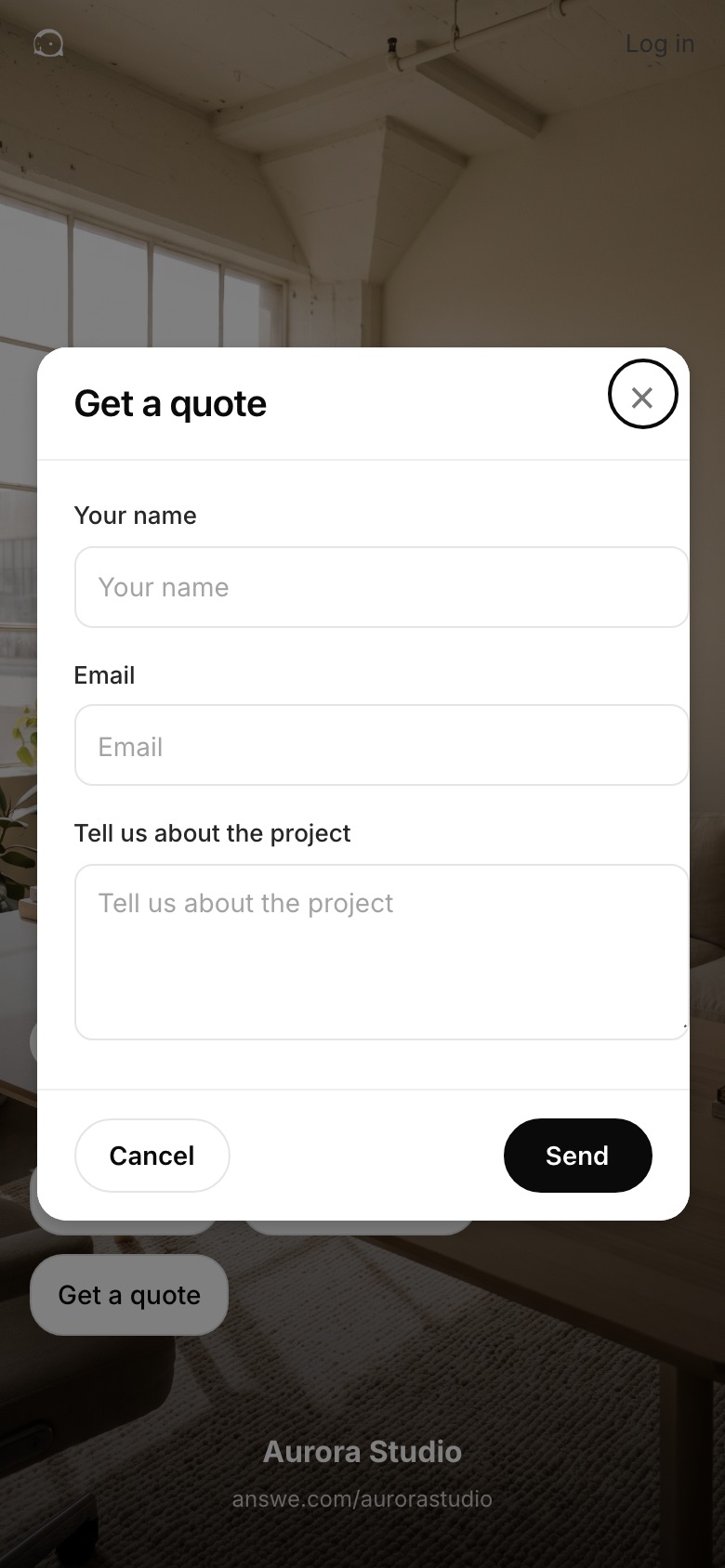
Happy to help. Tell me about it here: answe.com/aurorastudio
Make yours. 60 seconds, free.
Ready in 60 seconds. Free to start. No website needed.


Getting your client intake ready
- Prepare the questions
- Connect the responses
- Create your shareable link
Your client intake
Ready for your next client.
Try the form below. Keep this link to receive client responses, or customize the questions in the builder.
From first question to a useful brief.
Make it yours
Your business name and what you need to know. The form is live before you sign up.
Send one link
By email or message. Or put the same form on your website.
Get the brief back
Answers and files arrive as one conversation in your inbox. You reply from there.
Why it works
The link asks what you would ask.
No chasing
You get the goal, the budget and the files in one go. Not four emails.
Nothing for the client to install
The link opens in their browser. No account, no app.
Your name on it
The form carries your business name. No website needed.
Free to start
The link works now. A free account keeps it and sends every brief to your inbox.
From the founder
Questions
- What is a client intake link?
- One link that opens a short form. The client’s name and email, your questions about the project, and a place to attach files. The answers arrive as one conversation in your Answe inbox.
- Does the client need an account?
- No. The link opens in their browser. They answer, attach files and send. Only you sign in, to keep the link and read the answers.
- Can I change the questions?
- Yes. Say what you need and Answe drafts the form. You can edit every question and the branding in the builder.
- Can clients upload files?
- Yes. Every intake form has a file field. Briefs, brand files, photos, documents. They arrive attached to the conversation.
- Can I put it on my website?
- Yes. Share the link, or put the same form on your site with one script tag. Both send answers to the same inbox.
- Is it free?
- Yes. Try a working example before you sign up. A free account keeps the link and sends answers to your inbox and the app. Paid plans add CRM and your own branding.
Make yours. 60 seconds, free.
Your business name, what you need from a client, one tap.